Swapping scheduled assignments
Life happens after the roster goes out. If you need to hand off a duty to someone else — or trade one you can’t make for one you can — the Swaps flow does that without emailing the coordinator. Reading time: four minutes.
Two kinds of swaps are supported:
- Takeover — you give your assignment away to a specific person. They accept, and it’s theirs; no reciprocal duty involved.
- Exchange — you and the counterparty trade duties. You cover their slot, they cover yours. Both sides need to accept.
Open Swaps and propose a new one
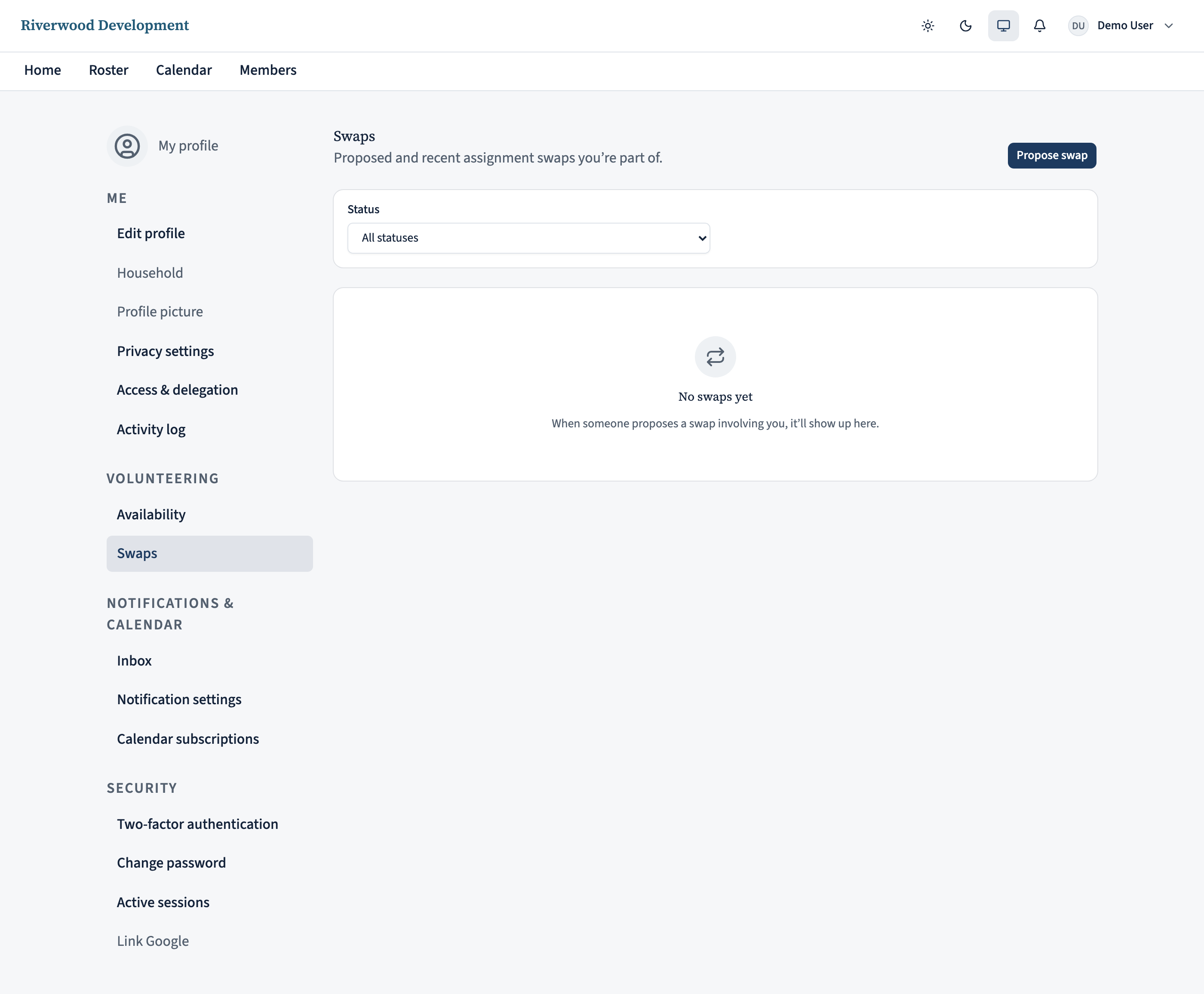
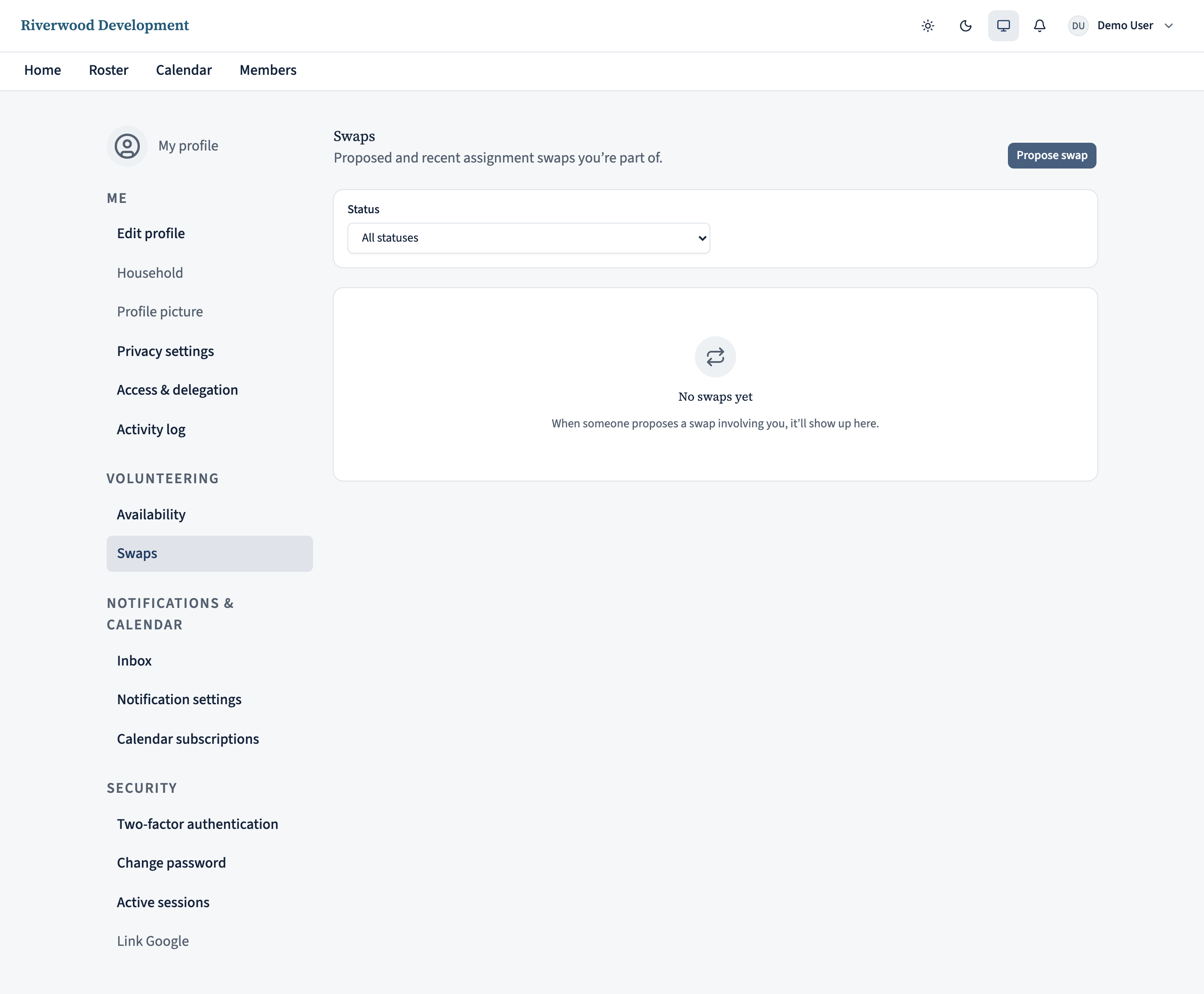
Open the Swaps page — either from the See all link on the My swaps card on your home page, or from the top-right avatar menu → My profile → Swaps. Click New swap. The dialog leads with the swap type — leave it on Takeover if you just want someone to cover for you, or switch to Exchange if you want to trade a specific pair.
Pick who + which of your assignments
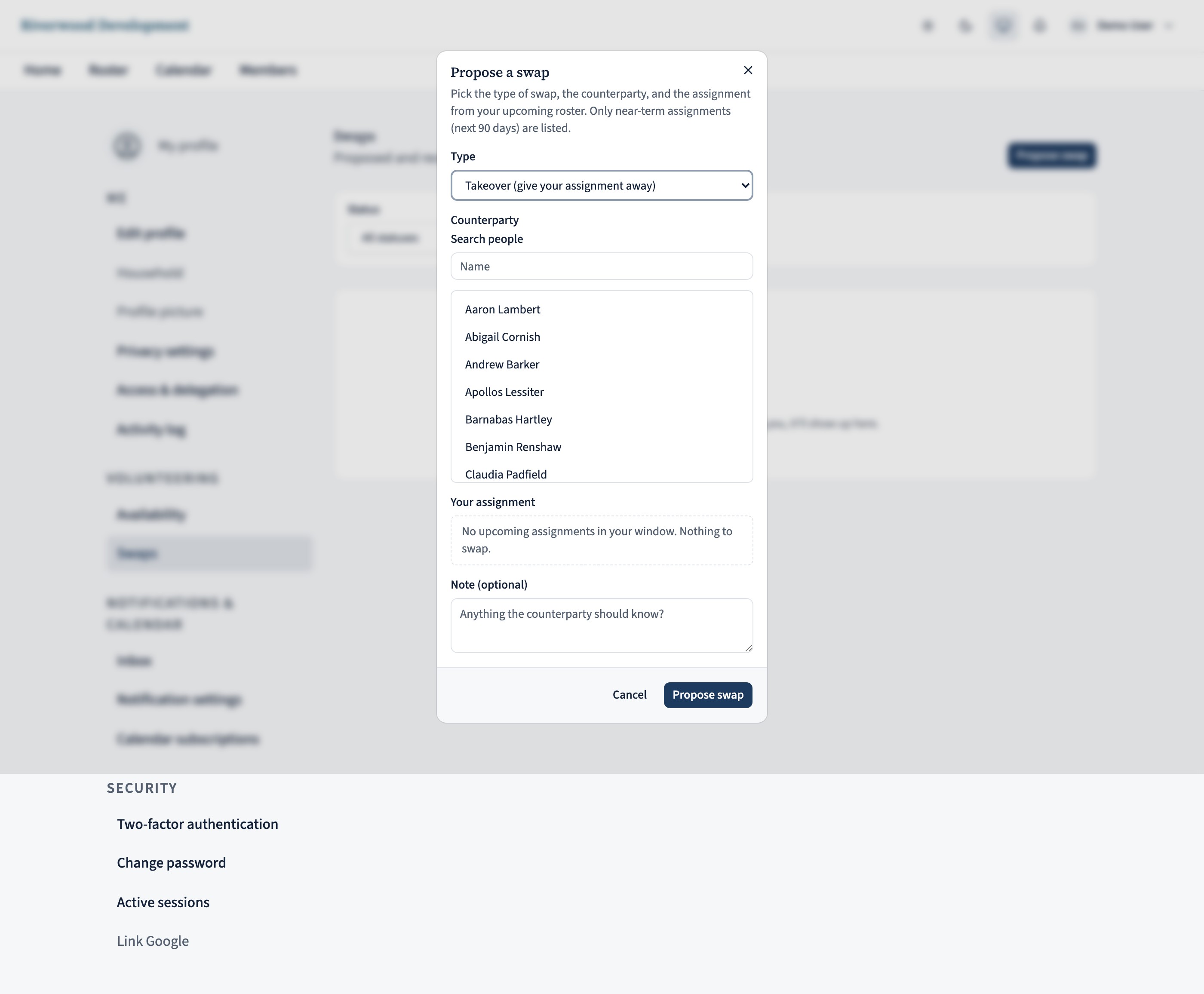
Counterparty — type a name and pick from the list. Anyone in the ecclesia is eligible; the server does the eligibility check when the swap lands (age, sex, baptism, qualifications, existing assignments on the same day).
Your assignment — radio list of your upcoming assignments in the next 90 days, showing the role, occurrence name, and date. Pick the one you want to hand off. If your list is empty, you don’t have anything to swap — not a bug.
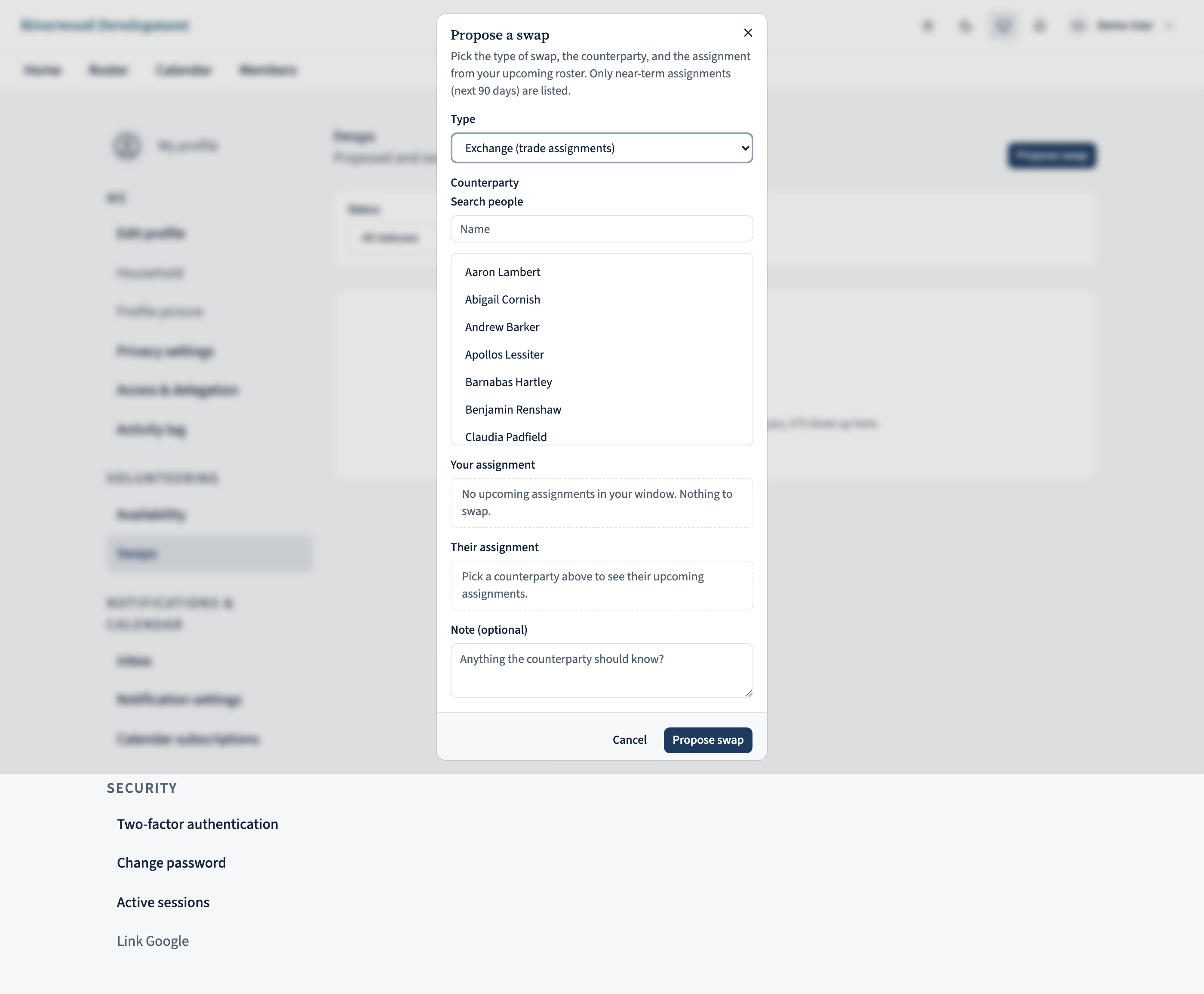
For an exchange, pick their assignment too
If you picked Exchange, a second picker appears once you’ve chosen the counterparty. It lists their upcoming assignments the same way; pick the one you’d cover.
Add a note if you want — a one-liner like “can we swap? I’m out of town that weekend” goes to the counterparty with the request. Click Propose swap to send it.
Wait for the counterparty (or accept theirs)
After you submit, the swap sits on the counterparty’s Swaps page under “Pending your response”. You see the same row under “Outgoing / awaiting them”. Both sides get a home-page card + a notification email.
When someone proposes a swap to you, open the Swaps page and hit Accept or Decline on the row. On an Exchange, you both need to accept before the server applies the trade; a takeover only needs the recipient to accept.
Confirmed swaps land on the calendar
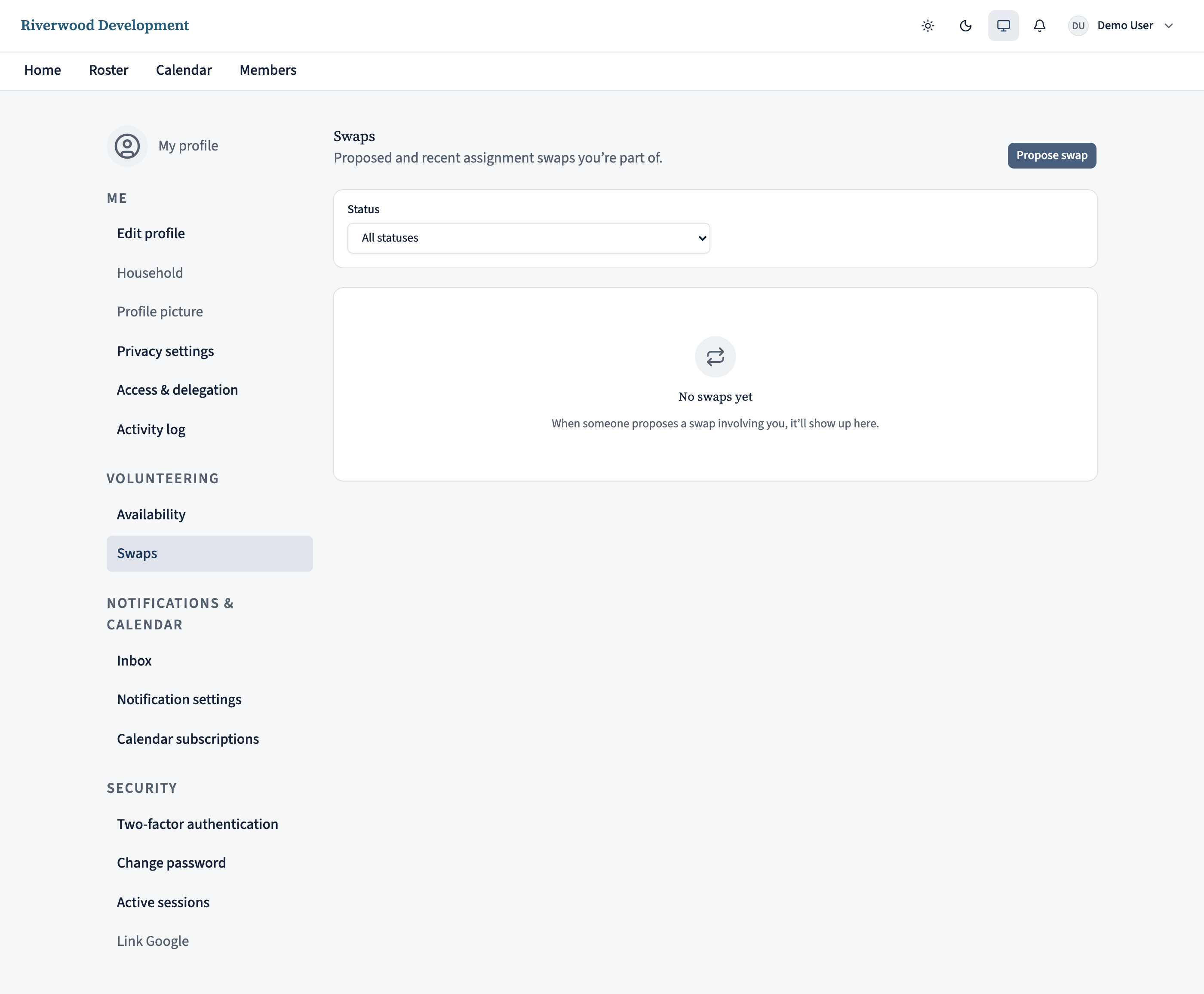
Once the swap is fully accepted, the server reassigns the affected assignment(s) and the roster + everyone’s calendar feed refresh within a couple of minutes. Your home page’s My upcoming card updates; if you had a reminder set for the slot, it stops.
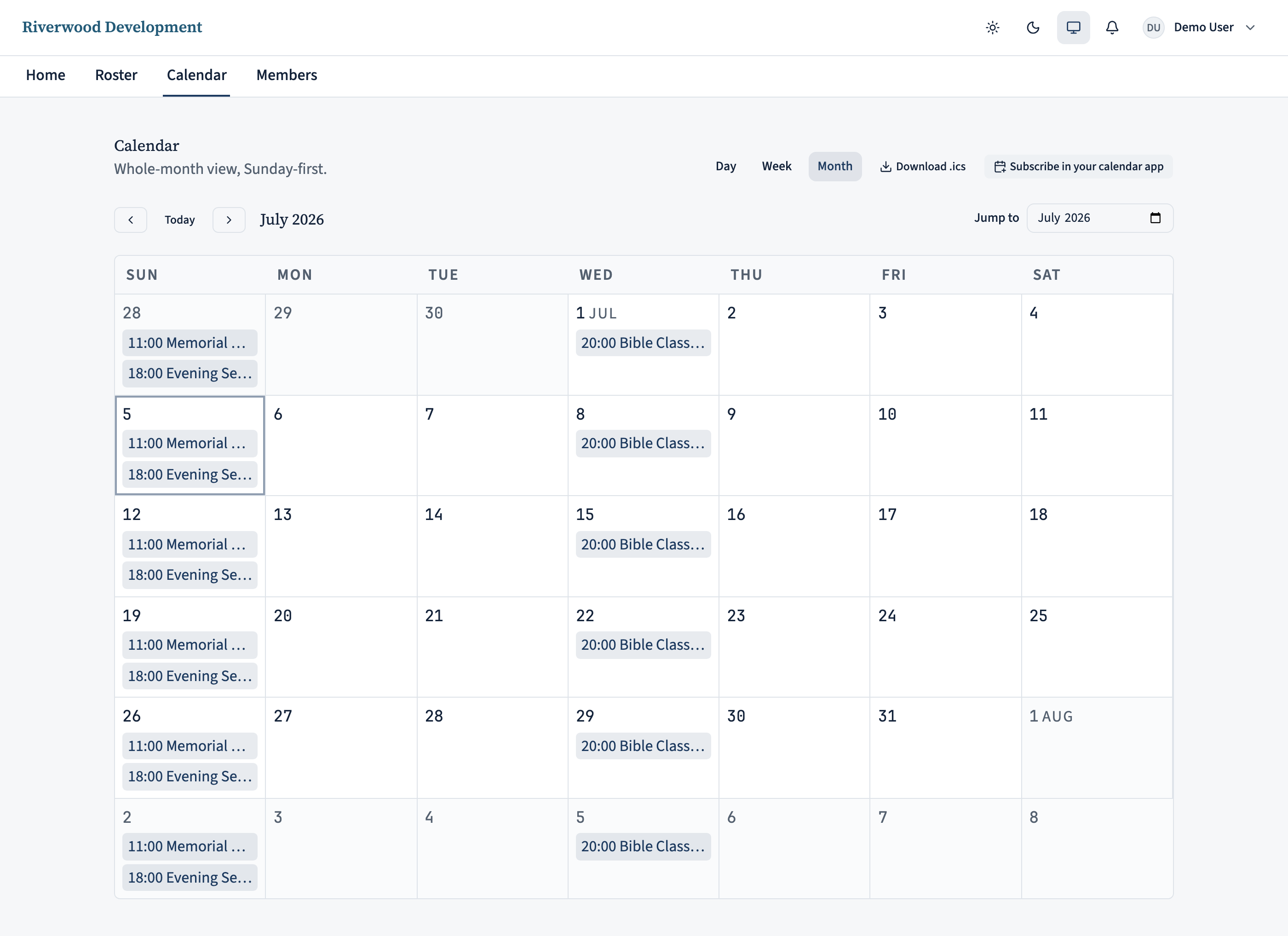
Coordinators see the change on the roster page with a small “Swap” label on the affected row. The scheduler treats it as an override — the standing assignment (if there was one) stays intact for future occurrences.
Cancelling or declining
Changed your mind before the counterparty accepts? Open the swap detail page and click Cancel. The row disappears from their pending list.
If they decline, you get a home-page notification and the row moves out of pending. You can always propose a new swap to a different person — there’s no cap on how many outstanding proposals you can have.
On the iPhone app
Propose and action swaps from the app.
On the Duties tab, tap the duty you want covered.
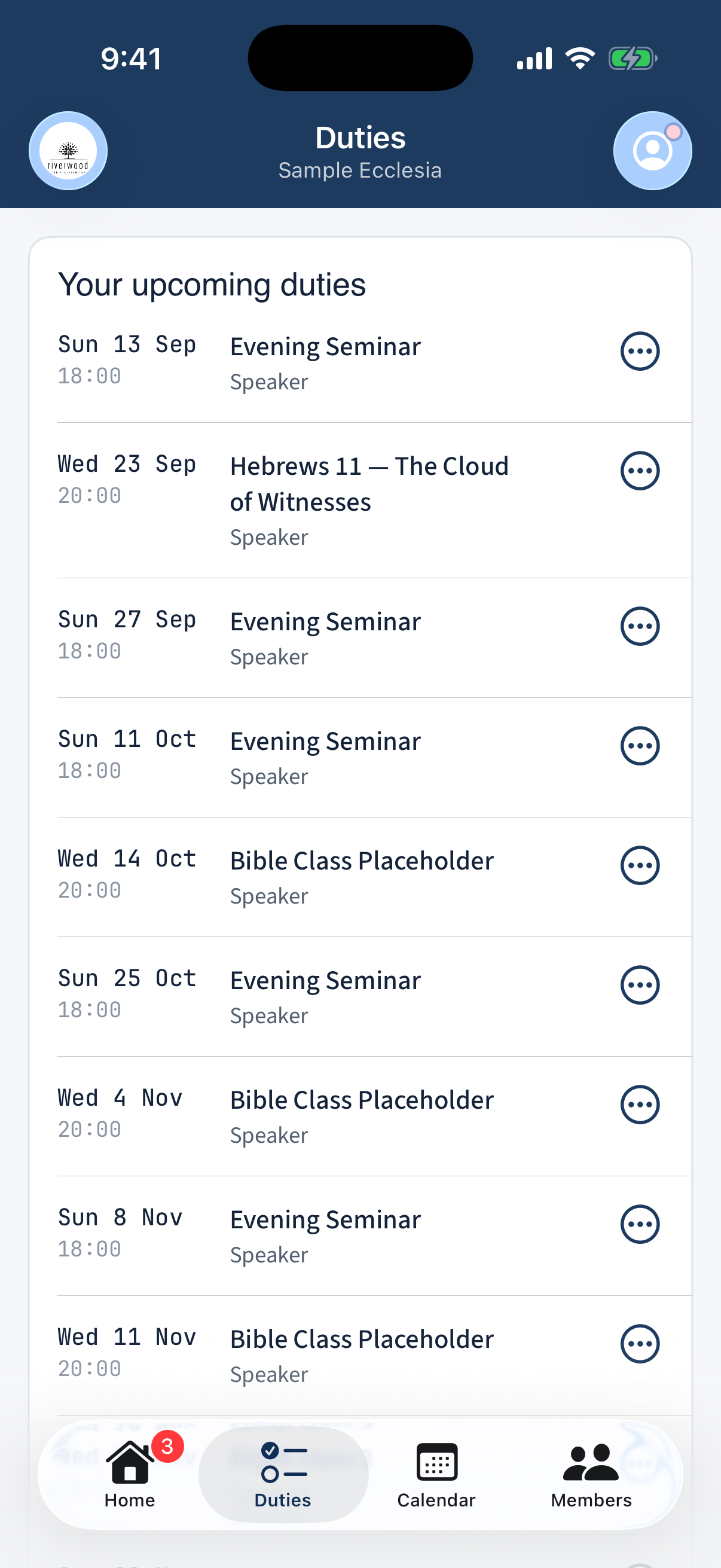
A duty opened from the Duties tab. Choose Propose a swap, pick who to ask (or open it to anyone), add an optional note, and send.
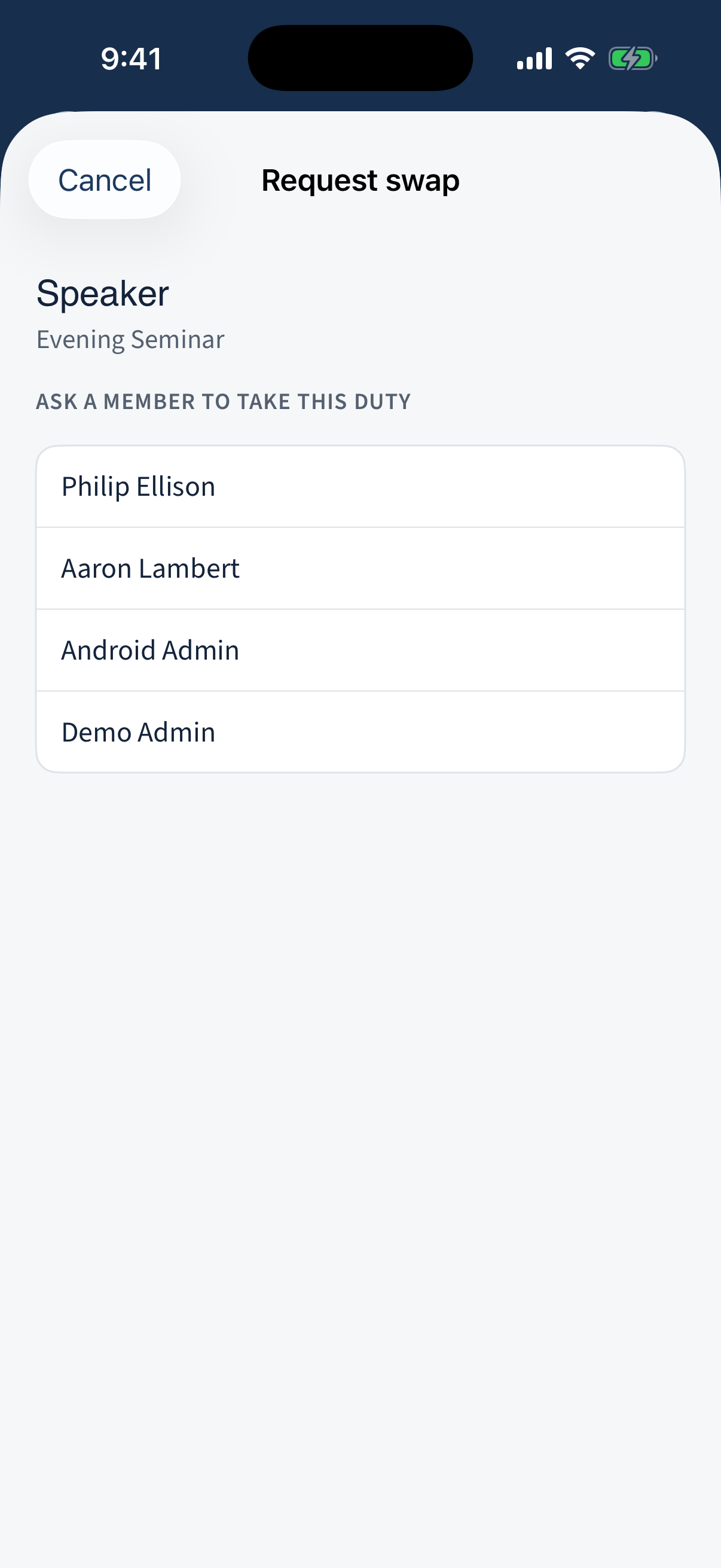
The Propose a swap sheet. To act on a request sent to you, open Swaps (from the Duties tab, or the “swaps need you” row on Home) and tap Accept or Decline.
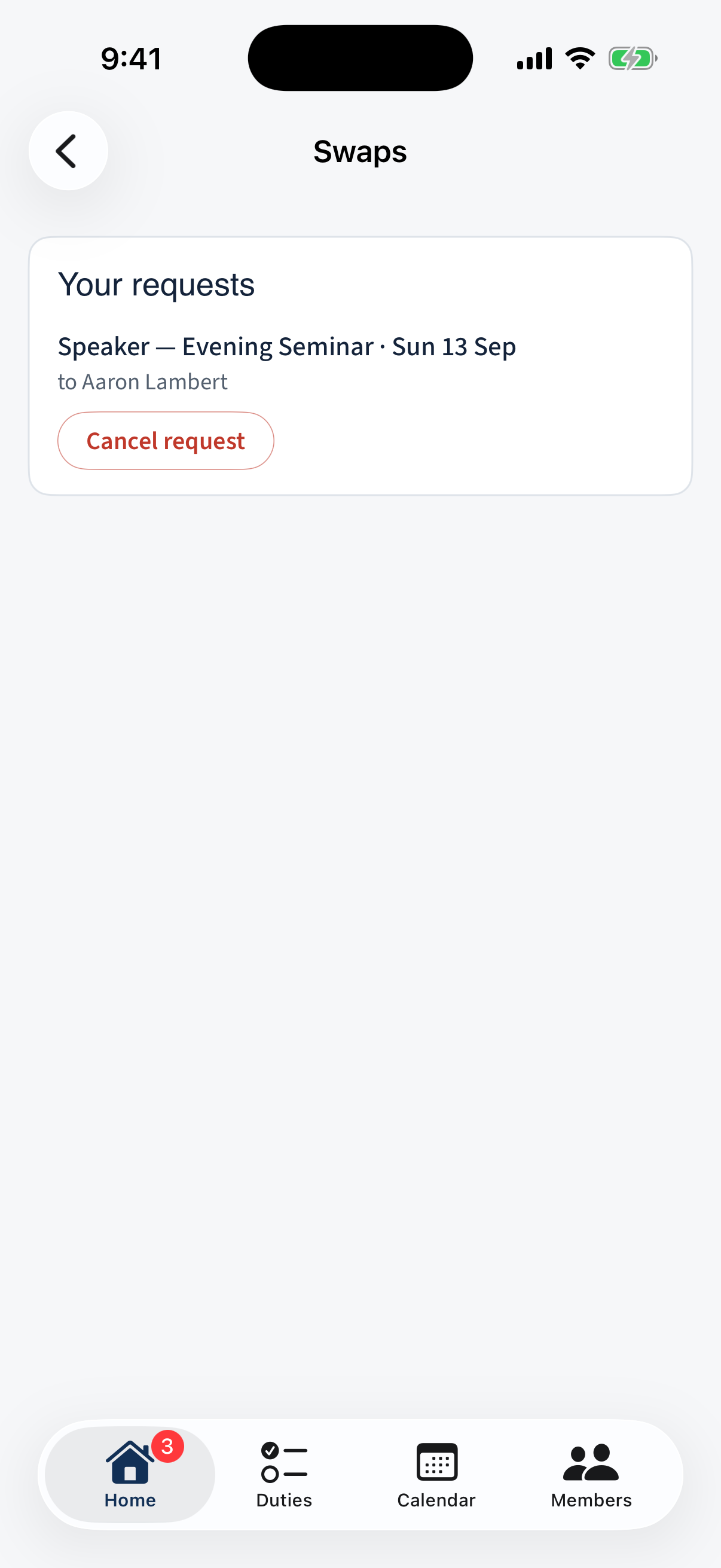
The Swaps screen with Accept / Decline.
Different on the app: Open swaps surface as an actionable row on Home.
What next?
- Submitting unavailability — if you’re out for a whole window rather than one day, unavailability is a better fit than swapping every individual slot.
- Managing your availability — a chronically-declined swap for a specific role usually means somebody’s preferences need updating.
- No response after a day? Ask the counterparty in person. The swap will still be pending; they can accept when they remember.